Prompt Description
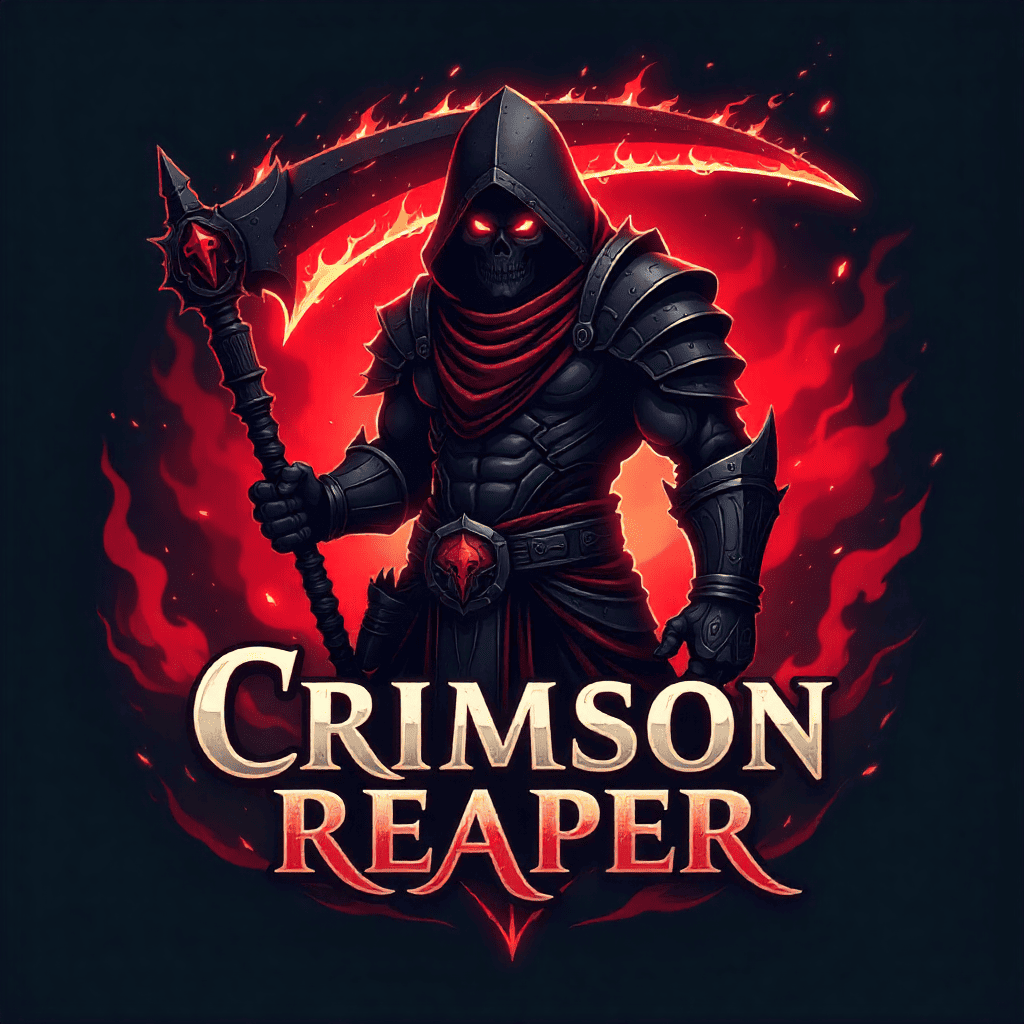
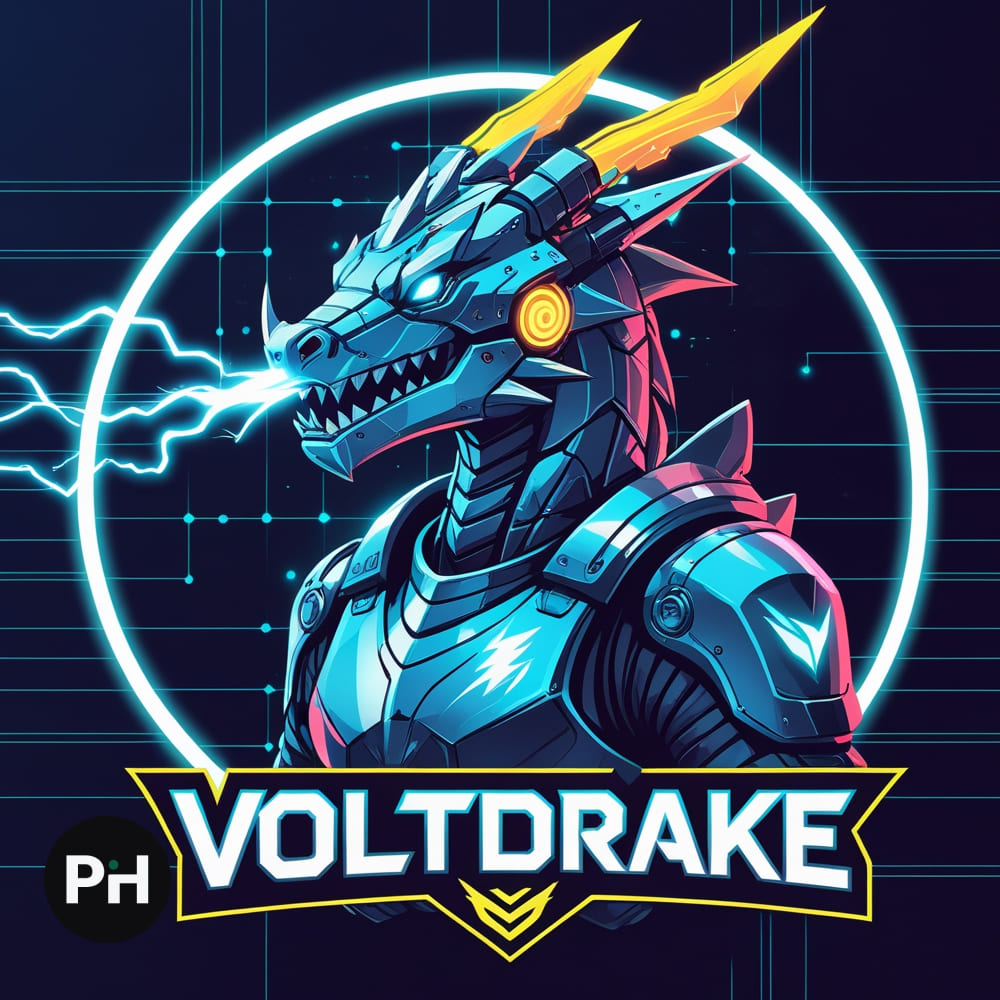
The Gaming Mascot Logo AI Prompt is designed to help creators, gamers, and eSports teams generate powerful, professional mascot logos in just a few clicks. Using AI tools like Freepik AI Image Generator, Leonardo AI, Midjourney, or Banana AI, you can bring bold and expressive characters to life that perfectly represent your gaming identity. From fierce animal warriors and cyberpunk soldiers to robotic beasts and cartoon heroes, this prompt gives you full creative control to define every detail — pose, lighting, color, and typography. You can also download free AI prompt templates to quickly customize and experiment with different mascot concepts and visual styles.
Whether you’re building a gaming brand, streaming channel, or eSports team, this AI prompt delivers high-quality, layered visuals with glowing effects, dynamic outlines, and a strong visual presence. By using Freepik AI or Leonardo AI, you can achieve crisp vector-style mascots, perfectly suited for logos, merchandise, and digital avatars. The result — a mascot that captures your team’s energy, story, and personality in one powerful image.
Prompt Example
Create a wolf mascot logo for a shooter gaming team named “ShadowRage”. The mascot features a cyber-enhanced wolf in an aggressive stance with glowing red eyes and mechanical armor plates, styled in eSports vector art. Use black as the primary color, red as the secondary, and silver as the accent. The background should be a dark smoky gradient with energy sparks. Add bold outlines, intense lighting, and subtle 3D shading for depth. Incorporate metallic typography for the team name below. Render in Leonardo AI for a professional, high-impact gaming mascot logo look..
Instructions / How to Use Prompt
Simply Replace The Placeholders with the following or anything you want:
[MASCOT_TYPE] → Choose the core type (e.g., “wolf,” “cyber soldier,” “robot dragon”).
[GAME_GENRE] → Pick your gaming category (e.g., “FPS,” “battle royale,” “MOBA”).
[TEAM_NAME] → Enter your brand or team name.
[MASCOT_DESCRIPTION] → Describe the mascot’s pose, features, or weapons.
[ART_STYLE] → Choose “eSports logo,” “modern vector art,” or “mascot illustration.”
[PRIMARY_COLOR], [SECONDARY_COLOR], [ACCENT_COLOR] → Define your color palette.
[BACKGROUND_STYLE] → Choose the backdrop type (e.g., “dark gradient,” “light burst”).
[TEXT_STYLE] → Describe how the text should look (e.g., “grunge font with glow”).
[AI_TOOL] → Specify the AI you’re using (Leonardo AI, Midjourney, Banana AI).
Prompt Text
Projected Output