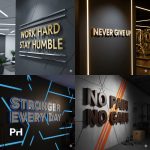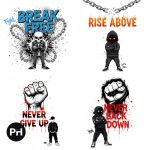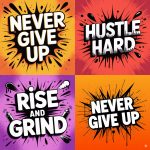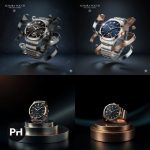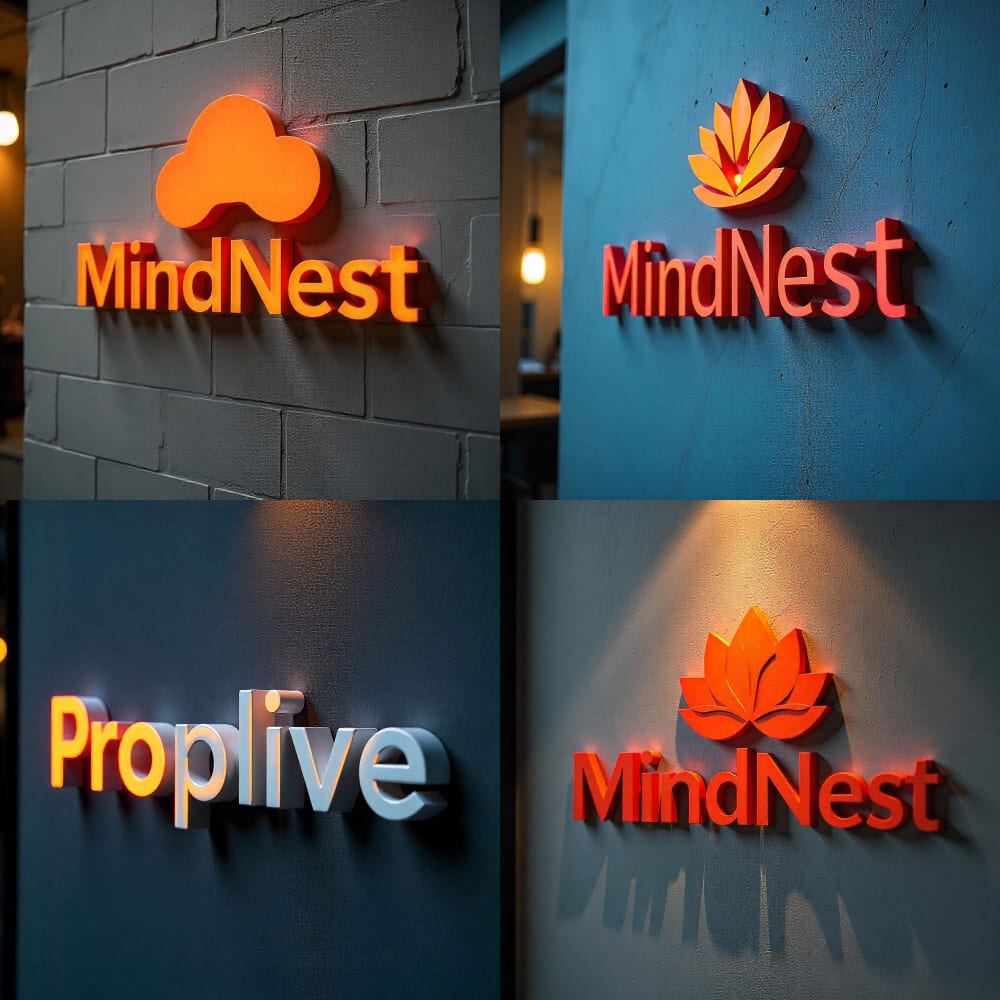
Prompt Description
Prompt Description
This 3D Logo Design AI Prompt allows users to generate hyperrealistic, human-centered logos for brands and startups. It’s designed to help businesses establish a trustworthy and approachable visual identity through anthropomorphic design elements and lifelike 3D rendering.
With editable placeholders, this prompt supports brand-specific customization, including logo shape, emotional style, colors, and placement on premium mockups like walls, glass, or signs. Perfect for presenting logos in realistic scenarios, this prompt helps visualize how your logo would appear in real-world brand settings — useful for websites, pitch decks, or social branding
Instructions / How to Use Prompt
Open your AI image generation tool (e.g., Midjourney, DALL·E, Leonardo AI).
Paste the prompt and replace:
[Brand Name] → Your brand name (e.g., AquaSpark)
[Industry Type] → Industry (e.g., SaaS, health, fintech)
[Main Symbol or Element] → Logo concept (e.g., leaf, lightning bolt, wave)
[Primary Color] / [Accent Color] → Your brand palette
Use aspect ratio 1:1 or 16:9 depending on usage.
Generate and refine if needed.