Prompt Description
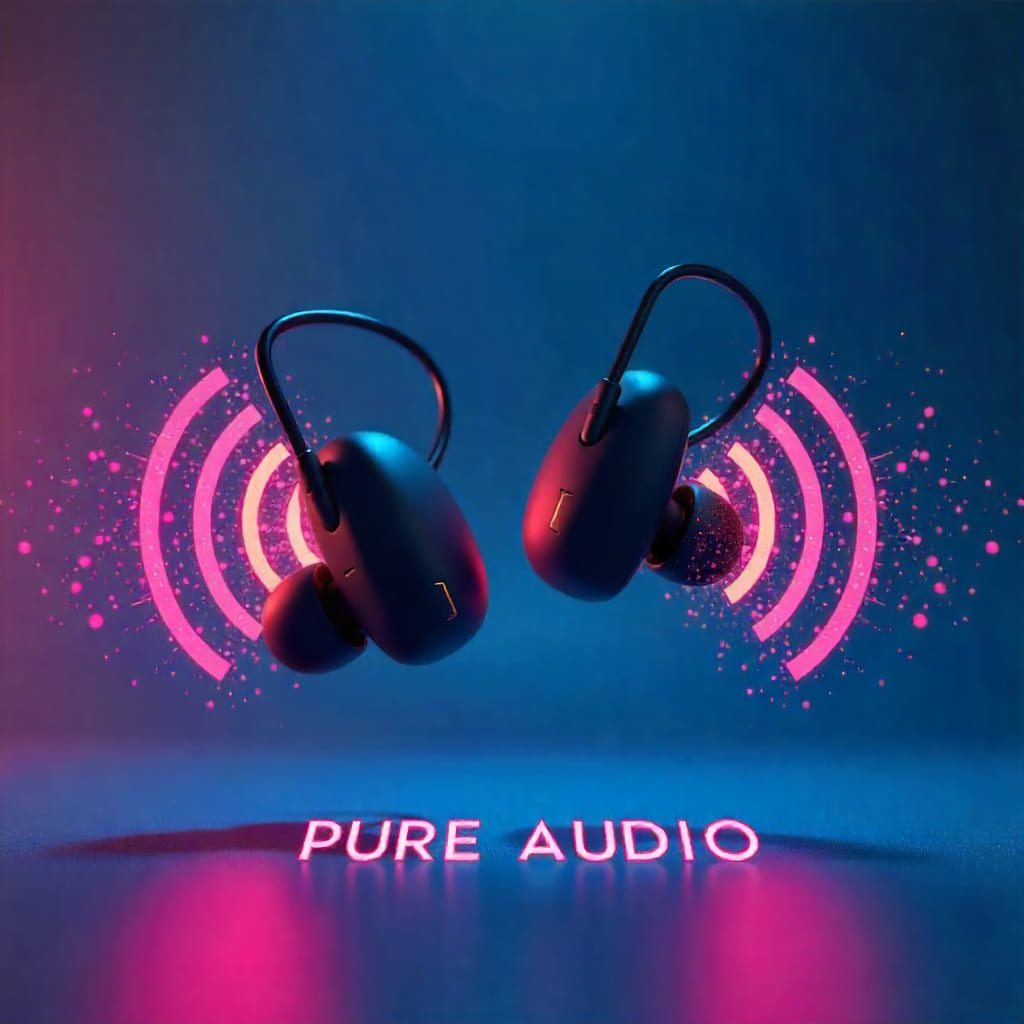
The 3D Wireless CGA AI Ads Prompt is designed to help you create high-impact, futuristic product advertisements using your favorite AI image generator such as Leonardo AI, Midjourney, or ChatGPT’s image tools. This prompt captures the essence of sleek wireless tech floating in a CGA-style neon gradient space — complete with geometric sound waves, rim lighting, and vibrant particle effects. Ideal for showcasing modern gadgets like earbuds, headphones, or wireless speakers, it blends 3D realism with nostalgic CGA design elements to deliver stunning, futuristic marketing visuals. If you’re exploring creative assets, you can also download free AI prompt templates to customize this scene easily.
This CGA AI Ads prompt is perfect for designers, digital marketers, and content creators looking to craft professional-grade ad visuals without any complex setup. With easy-to-edit placeholders, you can tweak lighting, typography, color schemes, and background styles to perfectly align with your brand identity or campaign theme. Whether you’re designing product posters, social media ads, or tech-themed hero sections, the 3D Wireless CGA Ads Prompt guarantees consistent, eye-catching results that stand out across all digital platforms. For the most refined rendering quality, use this prompt with Leonardo AI or Freepik AI Image Generator.
Prompt Example
A sleek pair of ‘Quantum Runner X5’ in metallic silver finish, floating in a orange-to-red gradient space. Energy rings pulse outward in rhythmic circles, rendered in neon yellow and white tones. The product rotates slowly in diagonal view with dramatic studio spotlight lighting. Trailing light streaks simulate speed and motion traveling through the air. Bold athletic block typography displays ‘BREAK YOUR LIMITS’ with a chrome reflection overlay
Instructions / How to Use Prompt
Simply Replace The Placeholders with the following or anything you want:
[PRODUCT_NAME] – Add your product (e.g., wireless earbuds, smartwatch, speaker).
[PRODUCT_COLOR] – Choose a color or finish (e.g., matte black, silver metallic).
[GRADIENT_COLORS] – Specify background gradient (e.g., cyan and magenta, blue and violet).
[VISUAL_EFFECT_1] – Define the motion visuals (e.g., sound waves, light rings).
[NEON_COLORS] – Choose accent tones (e.g., neon pink, electric blue).
[VIEW_TYPE] – Indicate perspective (e.g., floating 3D view, angled rotation).
[LIGHTING_STYLE] – Select lighting (e.g., rim lighting, cinematic spotlight).
[PARTICLE_EFFECTS] – Add detail (e.g., sound particles, energy sparks).
[MOTION_OR_ENERGY] – Describe motion concept (e.g., sound traveling through air).
[FONT_STYLE] – Choose typography (e.g., bold sans-serif, techno font).
[TEXT_TITLE] – Insert main text (e.g., PURE AUDIO, NEXT-GEN SOUND).
[TEXT_EFFECT] – Define overlay (e.g., glitch, holographic shimmer).
Prompt Text
Projected Output